 01 · REFERENCE
Add a JPG / PNG / WebP or project file
Photos, existing-space images, sketches, PDFs, DWG/DXF and other supported files are used together with your brief. A primary reference image helps establish stronger visual context.
Choose the project type, add any references you have, define the design direction and create the result in a few clear steps. You can see what happens and how credits are used before each step.
Ortadaki kolu mouse ile veya telefonda parmağınızla sağa sola sürükleyin. Aynı mimari aks ve aynı kamera kadrajındaki boş alan ile AI tasarım sonucunu karşılaştırın.

 Before
After
Before
After
Drag to see the difference.
Uploading a file is optional. When you provide a reference, the AI considers the uploaded content together with your selected project settings. The visuals below are representative examples of the workflow.
01 · REFERENCEPhotos, existing-space images, sketches, PDFs, DWG/DXF and other supported files are used together with your brief. A primary reference image helps establish stronger visual context.
 02 · AI CONCEPT
Project type, dimensions, design language, materials, camera and quality settings are combined into a single brief. The standard output is prepared in 2K.
AI Studio is designed to be quick and controlled. Credits are used only when generating a new render or revision.
Google veya e-posta ile hesabınızı açın. Proje briefi ve referans hazırlığı ücretsizdir; ilk AI üretiminden önce kredi paketinizi seçin.
Credits used: 0Choose Exhibition Stand, Kiosk, Product Display, Store, Corporate Application or Architectural Visualization. The form adapts automatically to your selection.
Credits used: 0Ana referansı ve ek proje dosyalarını yükleyin. Dosya seçildiğinde dosya adı ve durum bilgisi görünür; yükleme olmadan da brief ve ölçülerle devam edebilirsiniz.
Credits used: 0Set the design language, project details, camera angles and image quality. If you select multiple camera angles, each angle is counted as a separate render.
Each selected new render: 1 creditWhen you click Generate Design, credits are used only for generation. If AI generation fails, the reserved credit is returned. Each new revised render uses 1 credit.
New render: 1 credit · Revision: 1 creditCreate a PDF presentation from selected renders, use technical concept sheets, share the image or request a production quote from T7 Tasarım.
PDF + technical sheets + quote: freeAI Studio provides rapid concept visualization and decision support rather than final construction documentation. A concept you like can be carried forward to a production quote.
Evaluates photos, visuals, project files, dimensions and a short brief within the same project context.
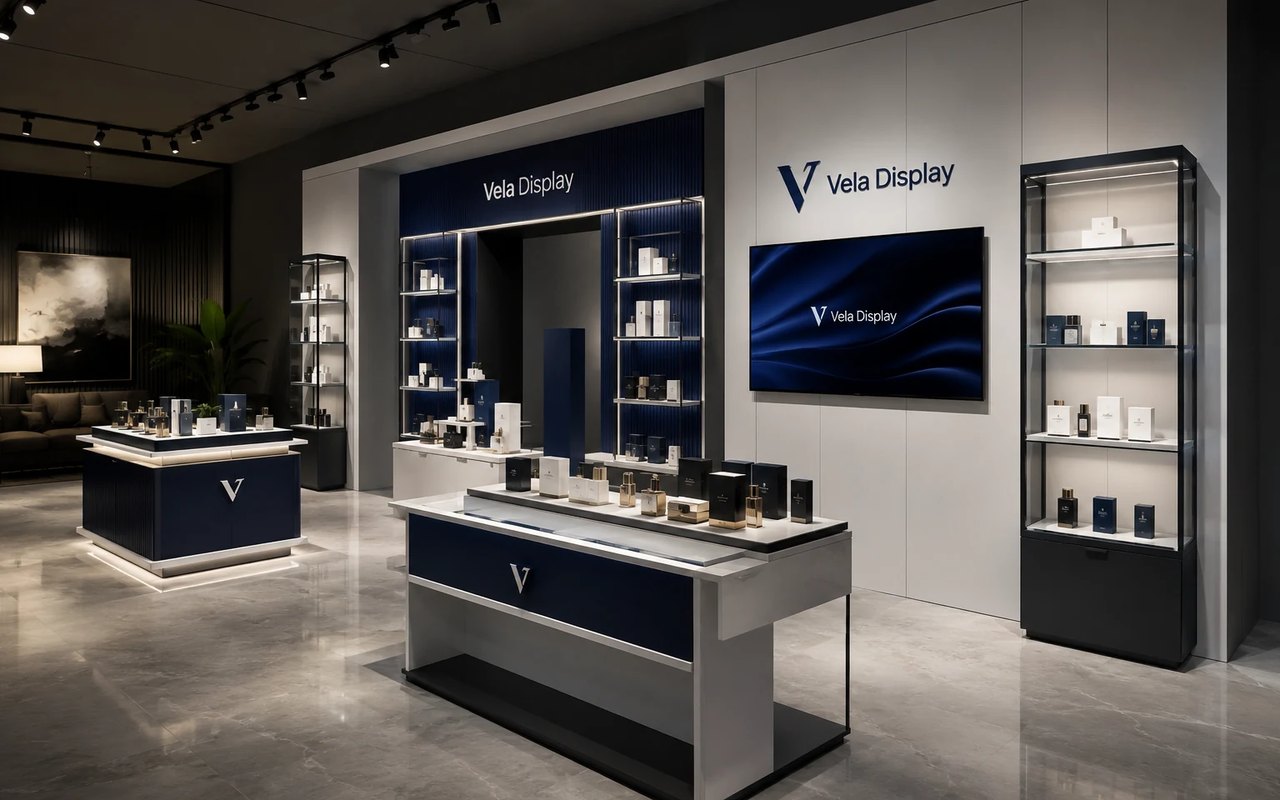
Creates a new visual concept based on your selected project type, design language, materials and details.
Evaluate the same design idea from different perspectives and viewpoints.
Create alternative and revised results by describing new requests for the selected render.
Download renders, prepare a PDF presentation and use technical concept sheets where applicable.
Request a professional design, production and implementation quote from T7 Tasarım for the concept you prefer.
High-resolution concept visuals based on the selected camera angles.
Yeni render: 1 krediA new design direction or correction request based on the visual you prefer.
Each revision: 1 creditPresentation file, technical concept outputs and transition to a T7 Tasarım production quote.
FreeÜcretsiz hesabınızı oluşturun; briefinizi hazırlayın, krediyle AI konsept üretin ve beğendiğiniz sonucu T7 Tasarım’a aktarın.